Design is not just how it looks; it is how it works, how it breathes, and how it invites the mind to wander. When we talk about "Good Design brings Good Life," we are acknowledging that the tools we use to represent our thoughts actually shape the thoughts themselves.
The Bret Victor School of Thought
Bret Victor has often argued that our current media for thinking is archaic. We are "blind" to our own processes because our tools don't provide immediate feedback or powerful representations. In his essay The Human Representation of Thought, he explores how we can move beyond static symbols to dynamic, interactive systems.
"A tool addresses a human need by amplifying a human capability. An intellectual tool addresses an intellectual need by amplifying an intellectual capability." — Bret Victor
Our typesetting system here is a small step towards that. It is designed to be editorial, clean, and flexible. Let's look at the capabilities.
Image Sizing
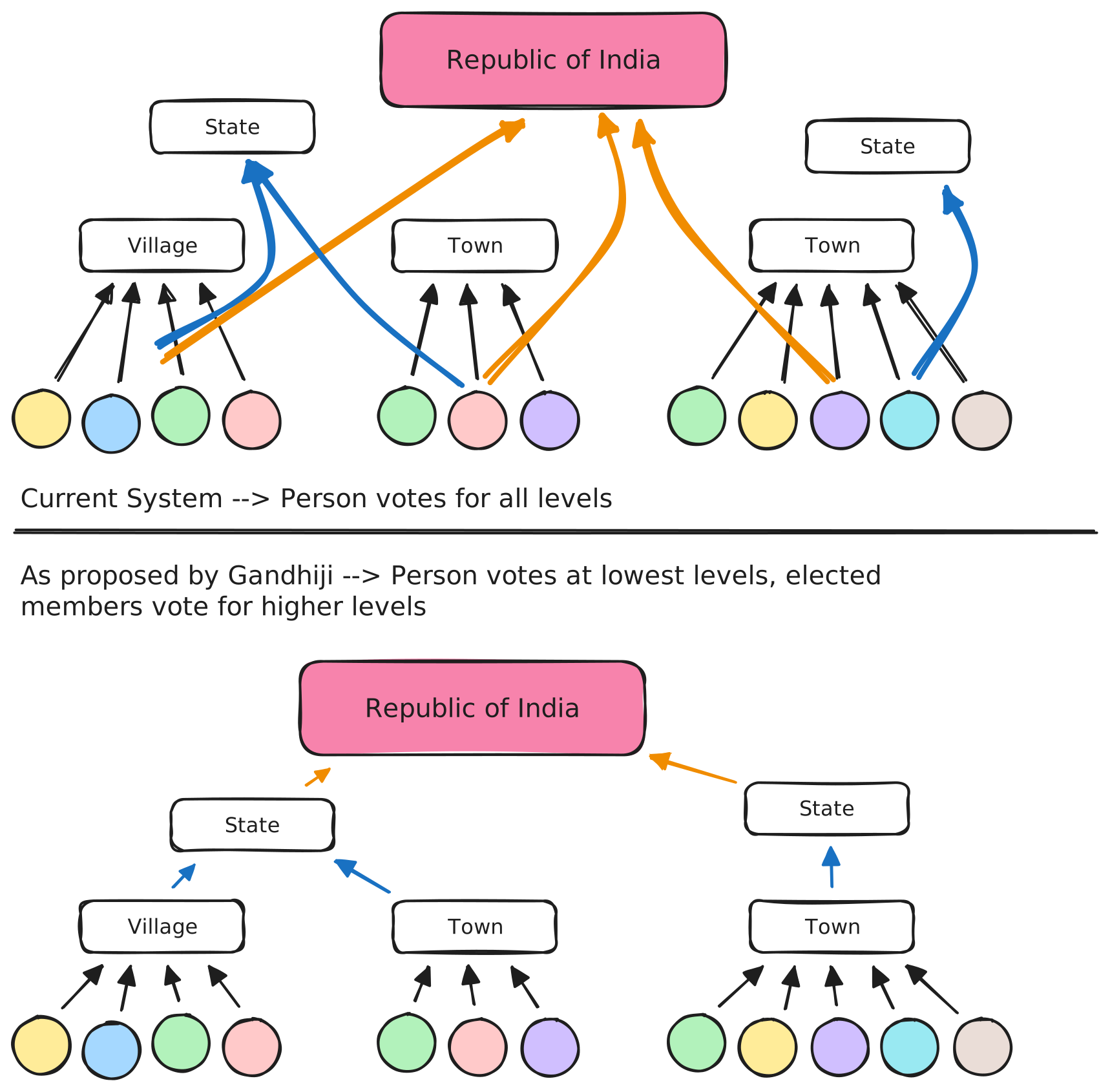
Images can be sized according to the importance of the visual. We support four primary sizes: Small (S), Medium (M), Large (L), and Extra Large (XL).
Small (S: 32rem / 512px)
Perfect for icons, small diagrams, or portraits that shouldn't overwhelm the text.
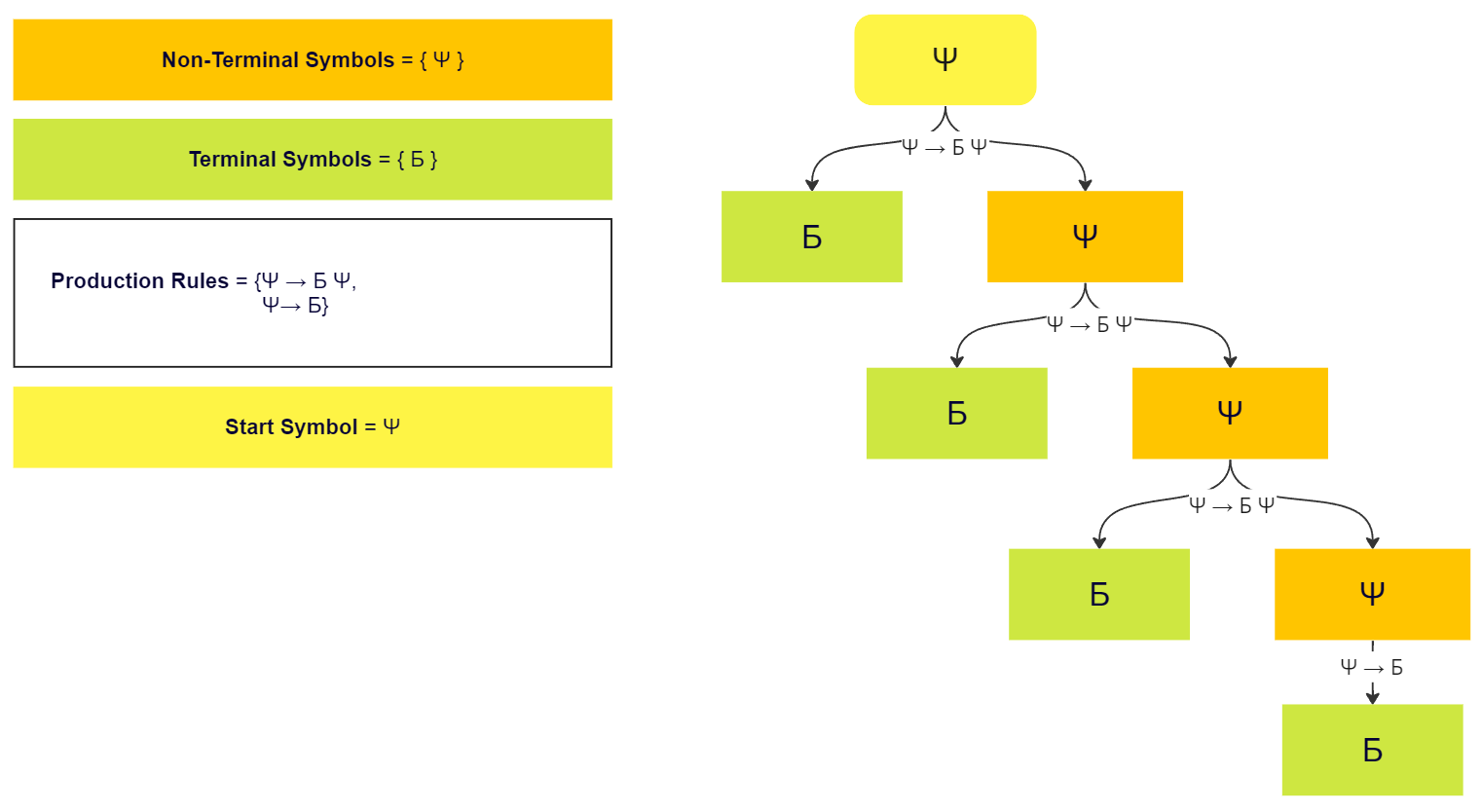
Medium (M: 48rem / 768px)
The standard width for focused diagrams that align with the text block.
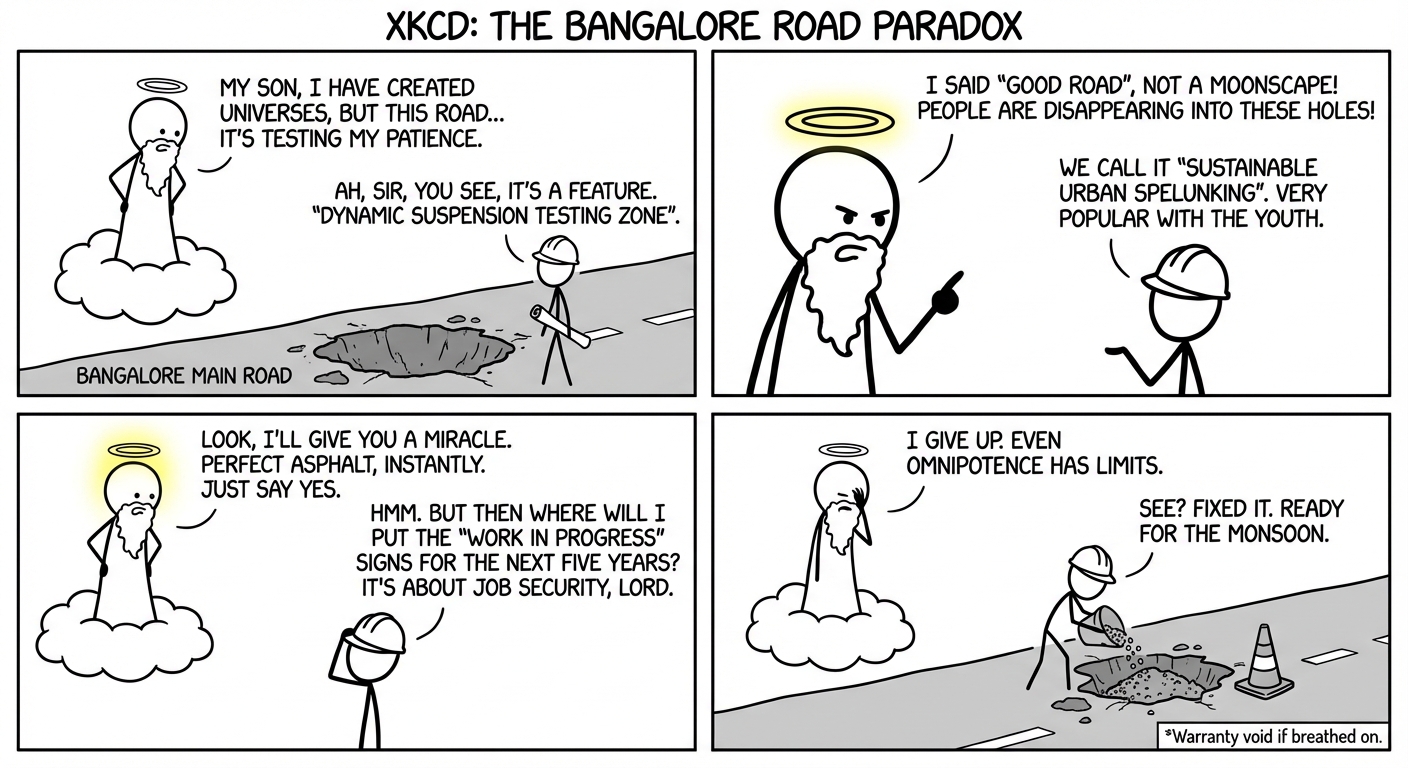
Large (L: 64rem / 1024px) - Default
The default for high-quality photos. It breaks the text container slightly for an editorial look.
Extra Large (XL: 80rem / 1280px)
For cinematic, high-impact visuals that span the width of the page.
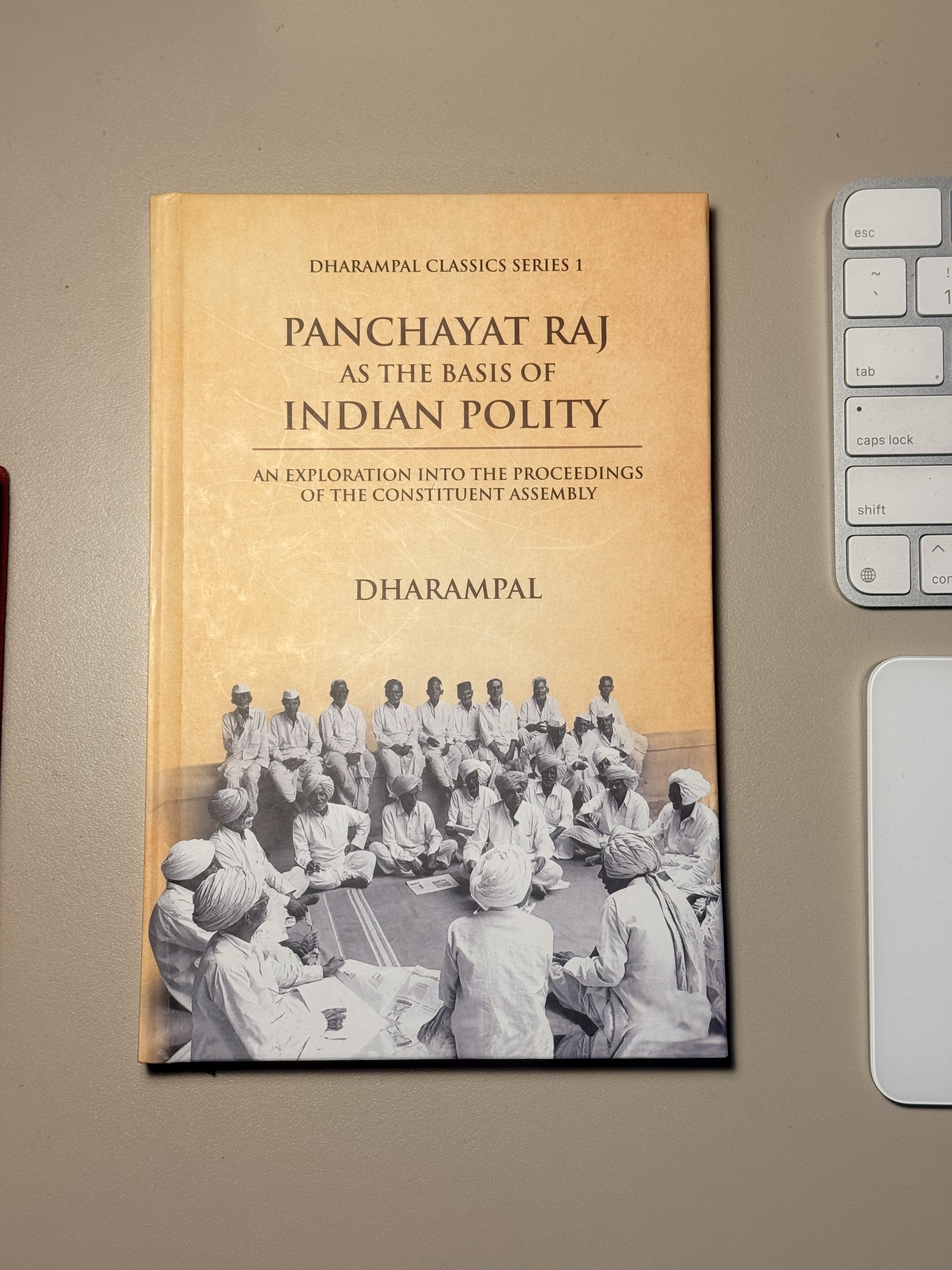
Image Wrapping
For a more editorial and organic feel, you can wrap text around images using the Around-Left: and Around-Right: prefixes. This is perfect for portraits or small details that complement a specific paragraph.

This paragraph is an example of text wrapping. By using the Around-Left: prefix, the image floats to the left and allows this text to flow naturally along its right side. The system ensures that the image remains within the current text bounds (48rem) and maintains a maximum width of 40% to keep the text readable. This creates a sophisticated, magazine-like layout without needing complex HTML or CSS in your MDX files. You can continue writing and the text will wrap until it clears the bottom of the image.
Similarly, Around-Right: pushes the image to the right margin. Notice how the spacing between the image and the text is handled automatically by the component. This flexibility allows for a more dynamic "zig-zag" layout when multiple images are used in sequence, making the reading experience more engaging and less monotonous. It's a simple syntax that brings powerful design capabilities to your blog posts.
Mathematical Typesetting
Complex ideas often require precise notation. We use KaTeX for high-performance math rendering.
For instance, the relationship between design and utility could be expressed as:
Where is total utility, is design quality, and is ease of use over time .
We can also do inline math, such as , to keep the flow of the conversation.
Data and Tables
Tables are essential for comparisons. Like images, they can be sized.
| Aspect | Industrial Design | Software Design | Typesetting |
|---|---|---|---|
| Primary Goal | Utility & Ergonomics | Feedback & Flow | Readability & Rhythm |
| Material | Atoms (Metal/Plastic) | Bits (Logic/Code) | Ink (Digital/Physical) |
| Bret Victor View | Physical limits | Symbolic limits | Representation limits |
Code and Implementation
A design system is only as good as its implementation. Our blocks are styled for clarity and ease of reading.
// This is how we handle image sizing in our MDX components
const mdxComponents = {
    img: (props: any) => {
        const { alt, ...rest } = props;
        let sizeClass = "size-l"; // default

        if (alt.startsWith("S:")) sizeClass = "size-s";
        else if (alt.startsWith("M:")) sizeClass = "size-m";
        else if (alt.startsWith("XL:")) sizeClass = "size-xl";

        return (
            <span className={`block my-8 ${sizeClass}`}>
                <img {...rest} className="w-full rounded-lg" />
            </span>
        );
    }
};
Grouped Sizing (SizedSection)
Sometimes we want to group elements (like a series of paragraphs or a mix of text and images) within a specific width constraint.
Small Section (S): This entire block is constrained to 32rem. This is useful for "sidebar style" content or focused notes that should stand out from the main text flow by being narrower. Works with table too.
| S: Aspect | Software Design |
|---|---|
| Material | Bits (Logic/Code) |
| Goal | Feedback & Flow |
Wrapping Up
Typesetting is the architecture of thought. By choosing the right fonts (Playfair Display for headings, Source Sans 3 for body) and the right spacing, we create an environment where ideas can flourish.
Good design brings good life, and good life gives us the space to think the unthinkable.
Important Links
The opinions expressed herein are solely those of the author in their individual capacity and do not necessarily reflect the official policy or position of any current or former employer, client, or affiliated organization. Suggest changes.